
The following article outlines how to bulk update inspection requests using the APX Web App.
- Video Tutorial
- Steps
- PDF Version
1.Video Tutorial
2. Steps
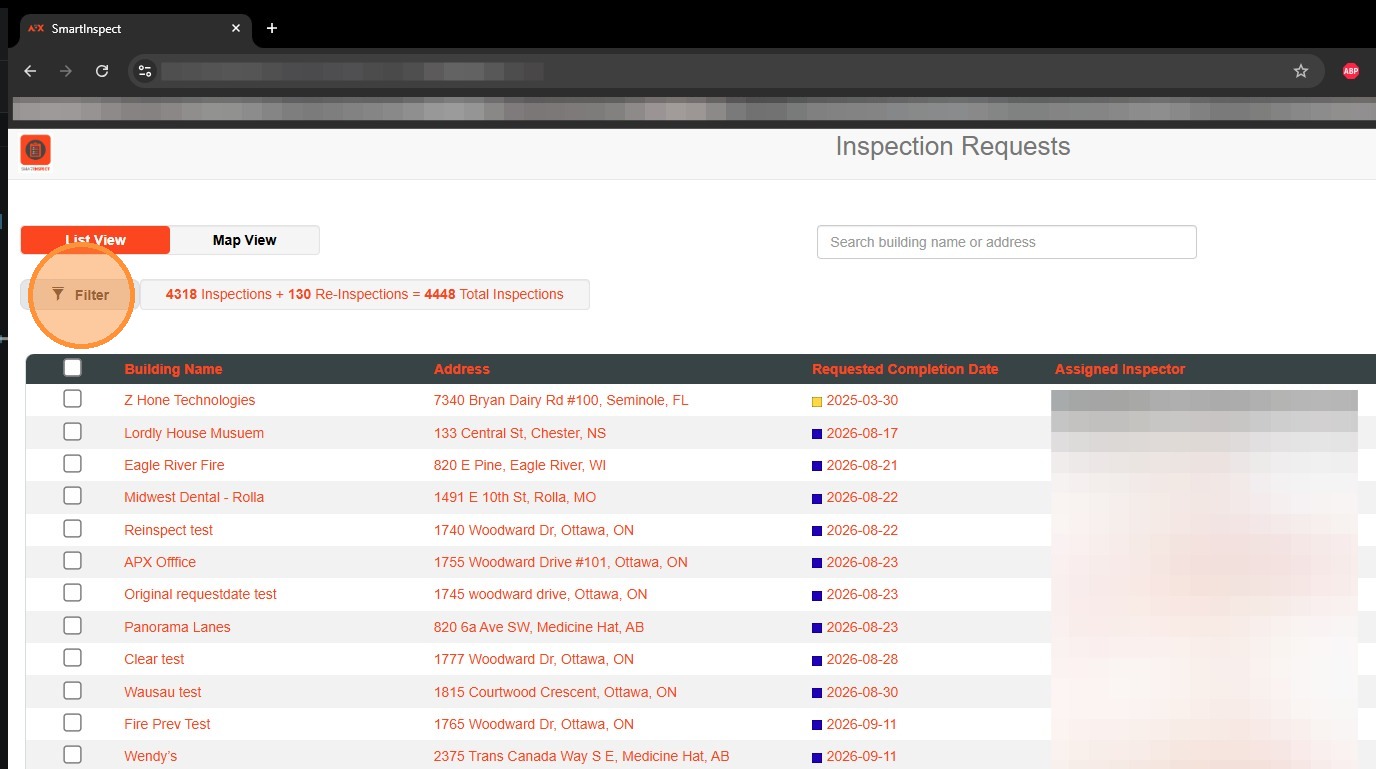
1. To filter inspection requests, select Filter.

2. In the Filter pop-up, you can filter on date range, assigned inspector, inspection type, inspection frequency, or Zone.
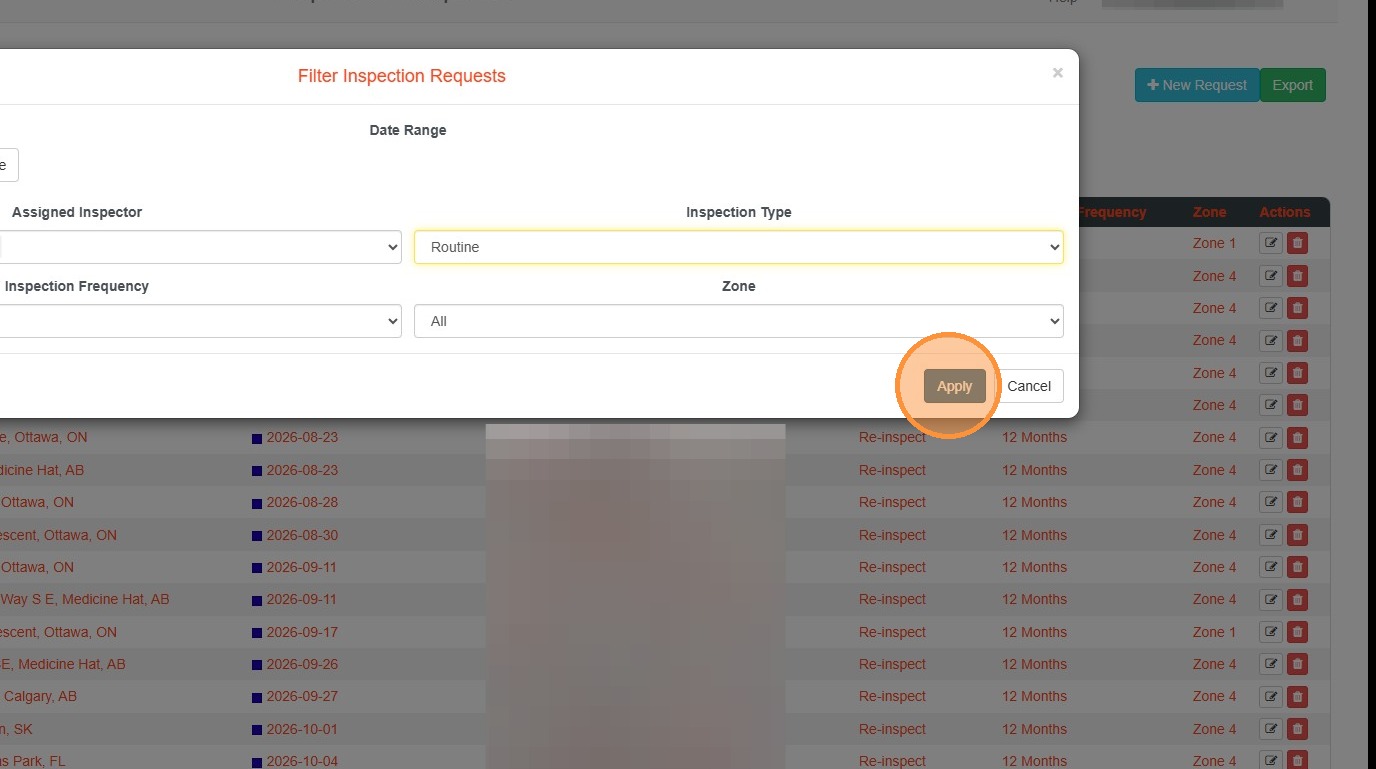
3. Select Apply to apply the filters. Applied filters will appear above the Inspection Requests.
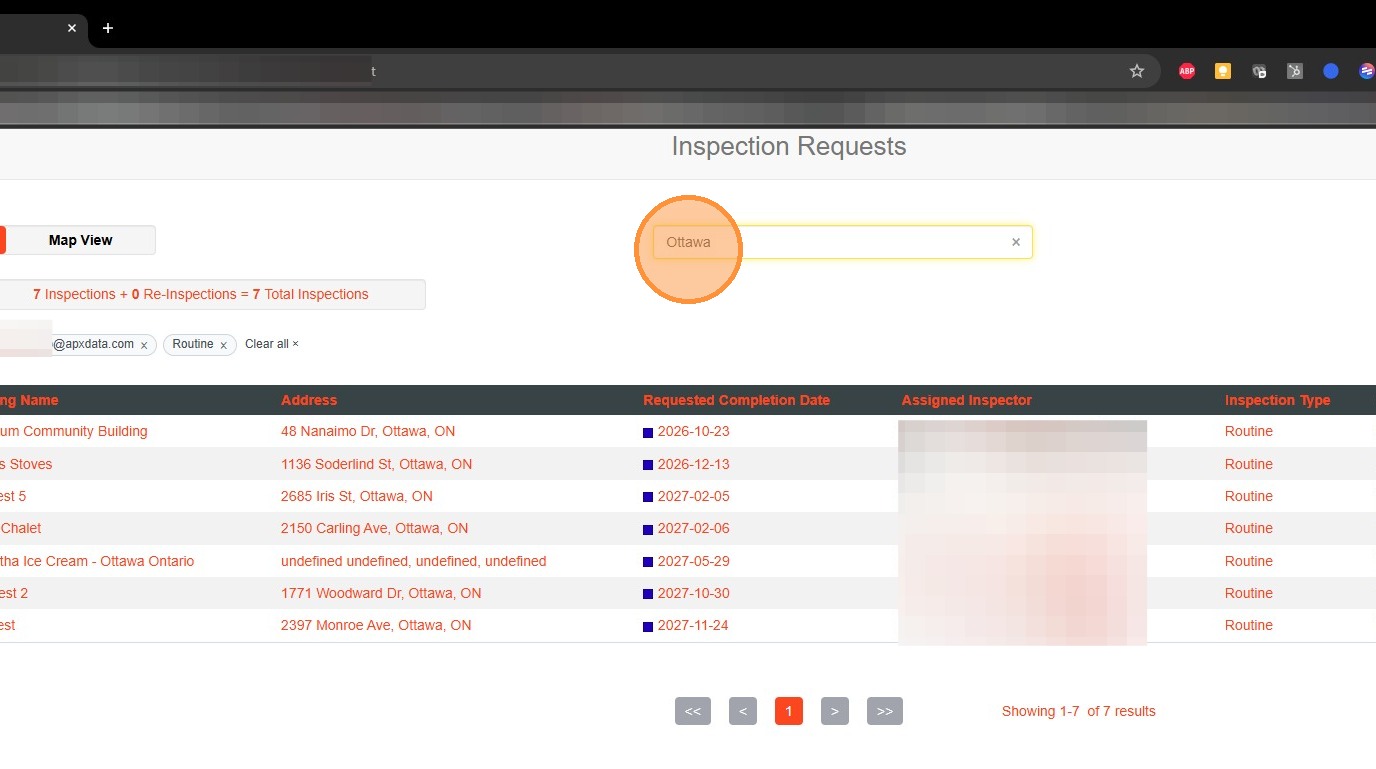
4. To filter the Inspection Requests by Building Name or Address, use the Search bar. The Inspection Requests will filter on this search.
Comments
0 comments
Please sign in to leave a comment.