
The following article outlines how to delete an incident record using the APX Web App.
Alert: To delete an incident record, a user must have the Admin role.
- Video Tutorial
- Steps
- PDF Version
1. Video Tutorial
2. Steps
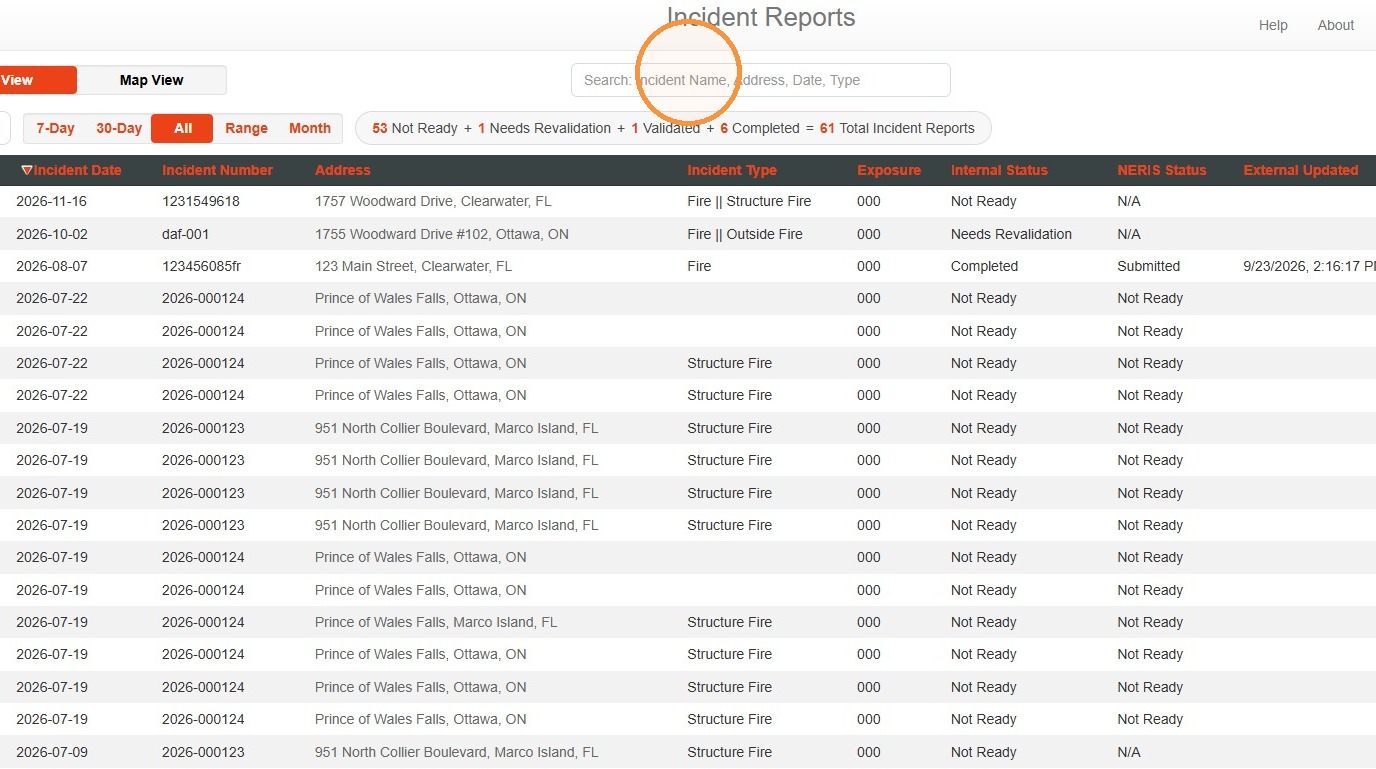
1. Search for the incident report to be deleted. The search bar can be used to search by Incident Name, Address, Date, or Incident Type.
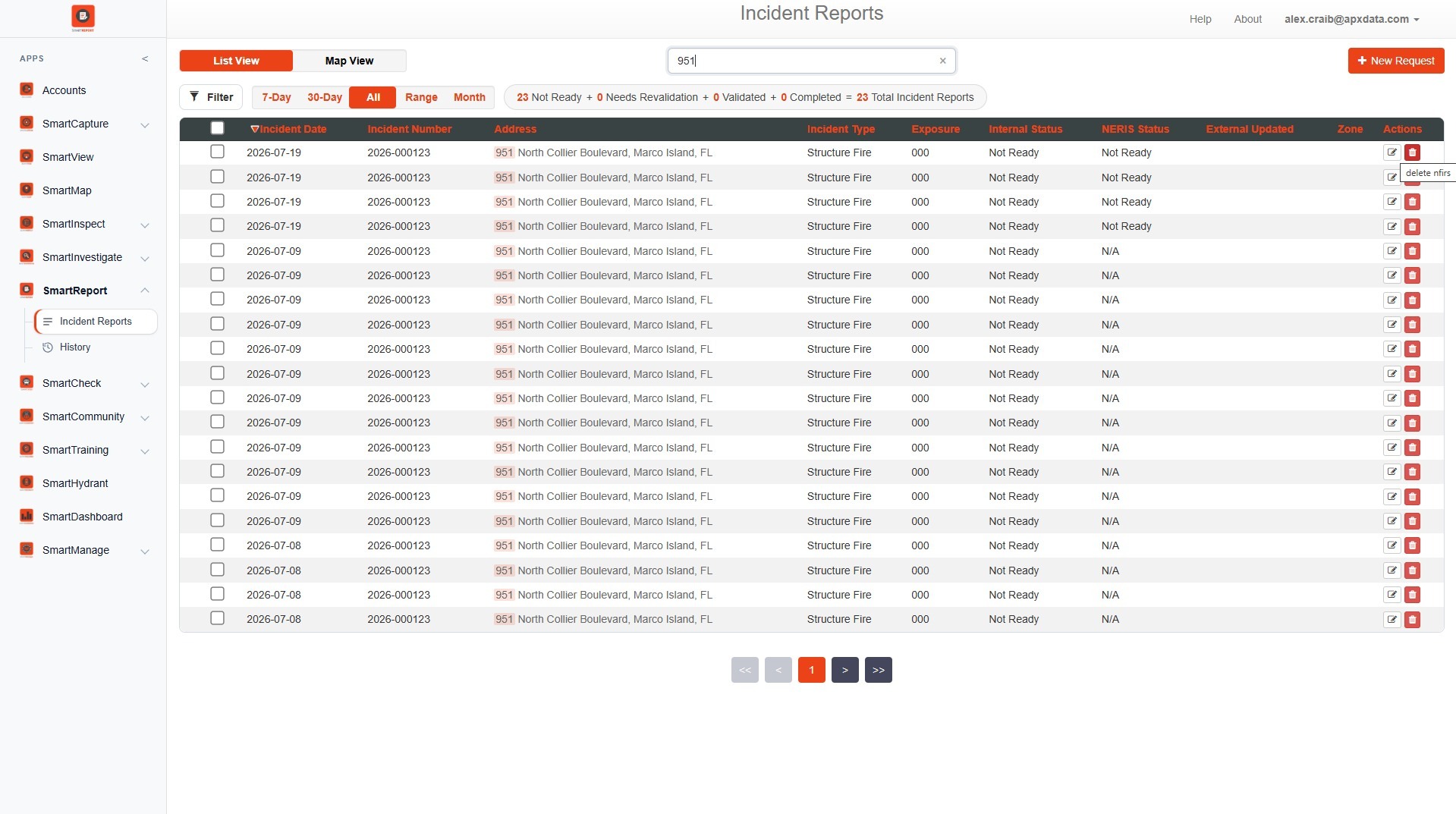
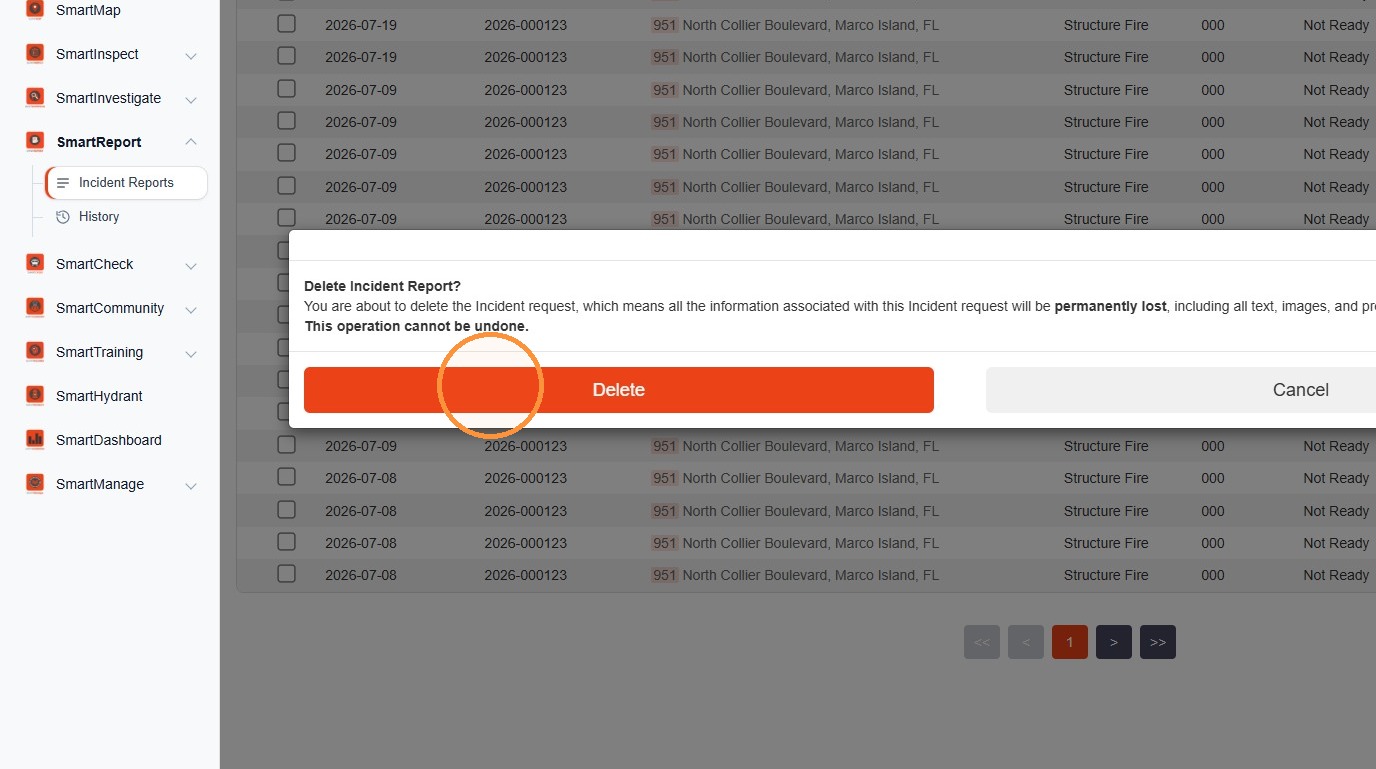
2. For the desired incident record, select Delete.
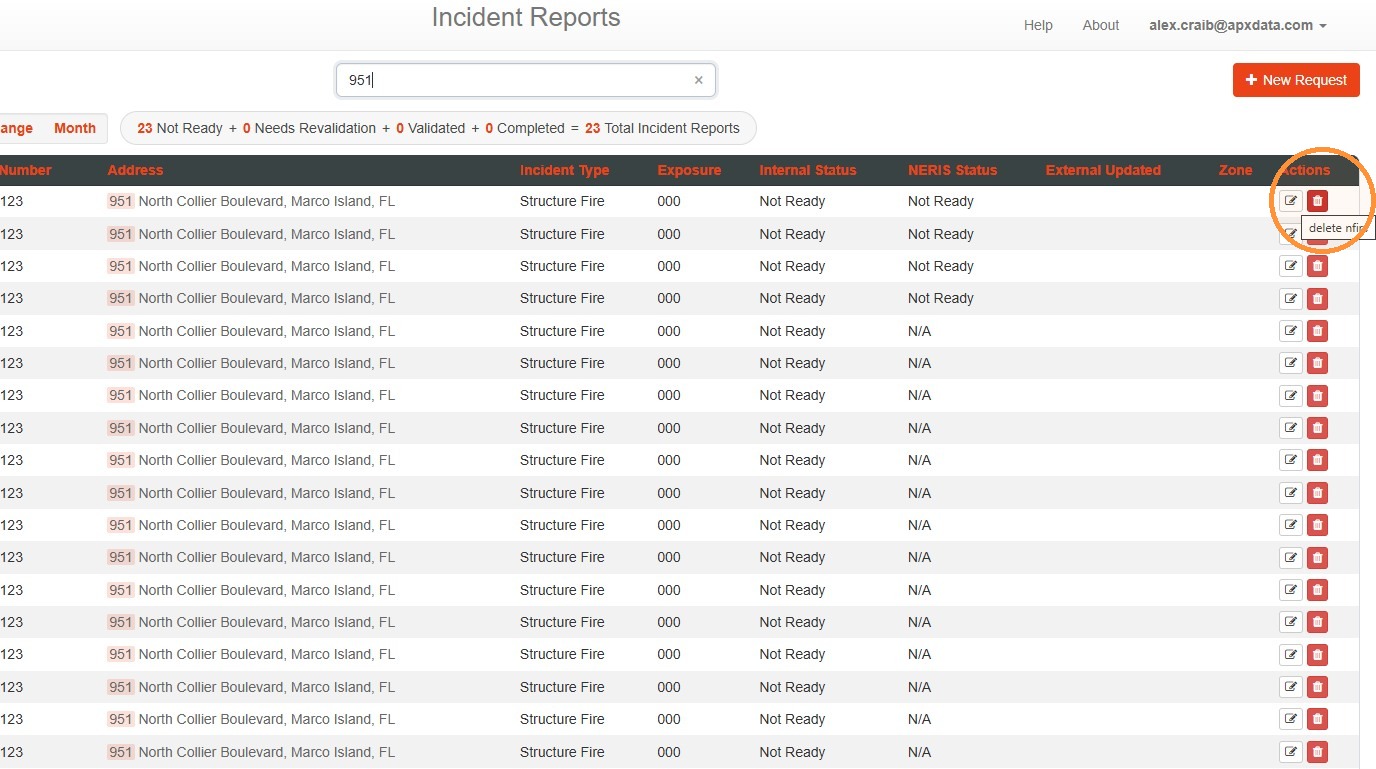
3. In the confirmation pop-up, select Delete.
Comments
0 comments
Please sign in to leave a comment.