
The following article outlines how to view Submitted Incident Reports through the APX Web app.
Note: A user must have the "Organization Admin" role to access the Incident Reports History
- Video Tutorial
- Steps
- PDF Version
1. Video Tutorial
2. Steps
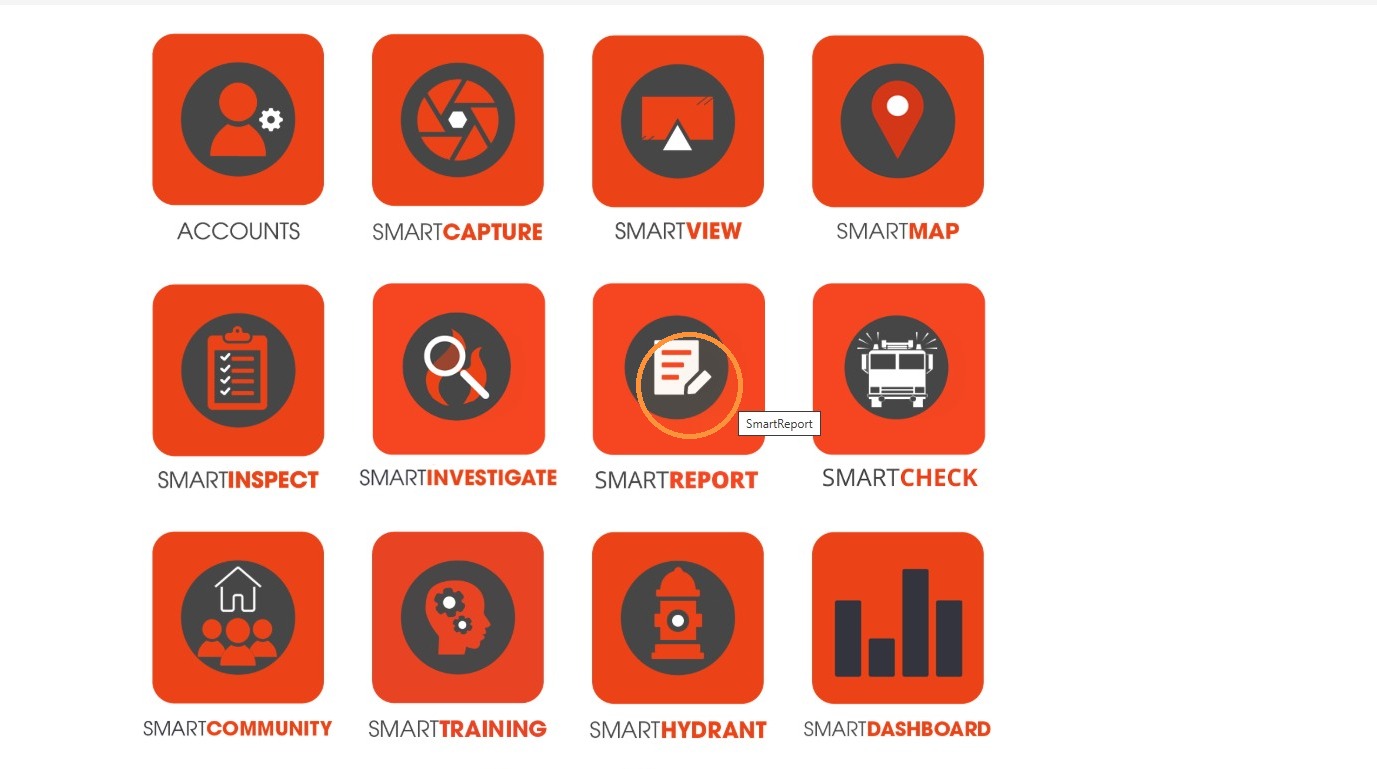
1. Select SmartReport.
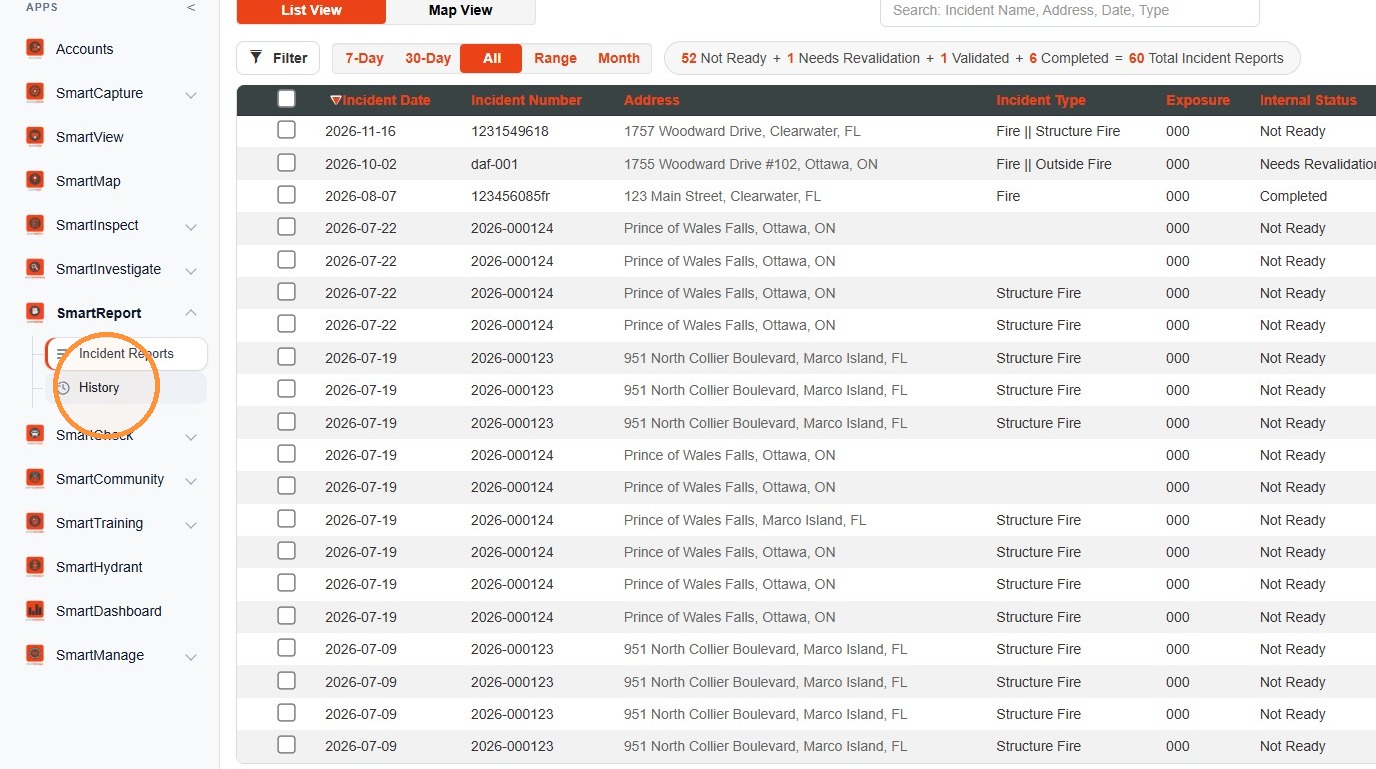
2. Select History.
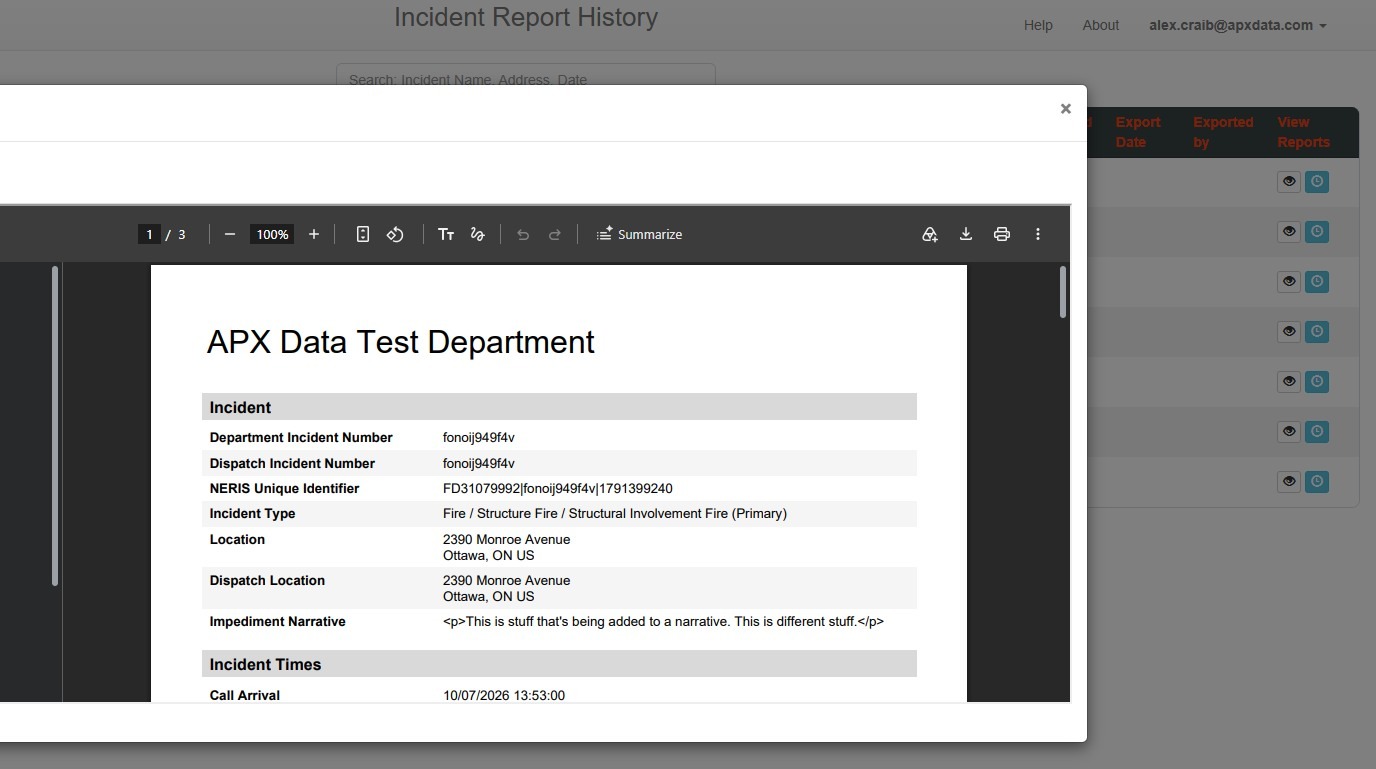
3. To view the most recent generated report for an incident, select View Report.
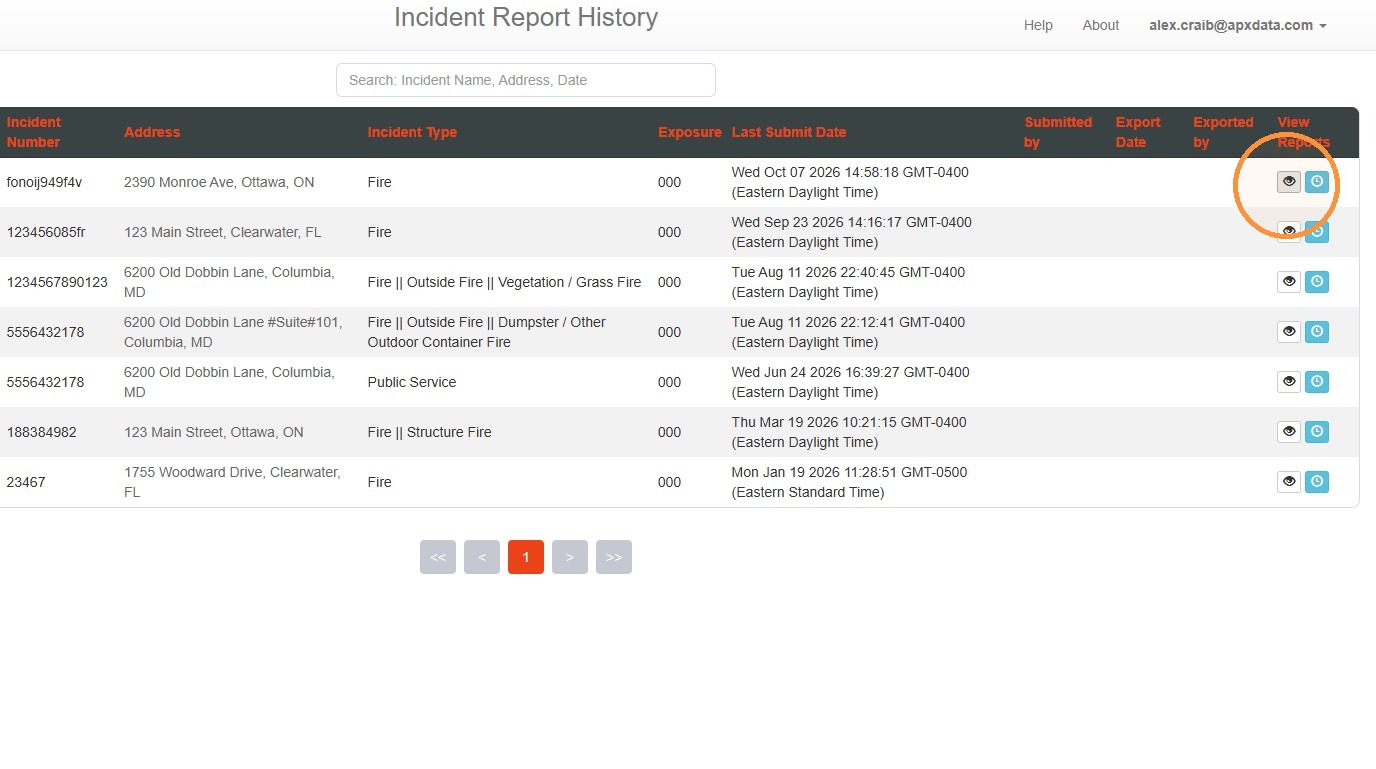
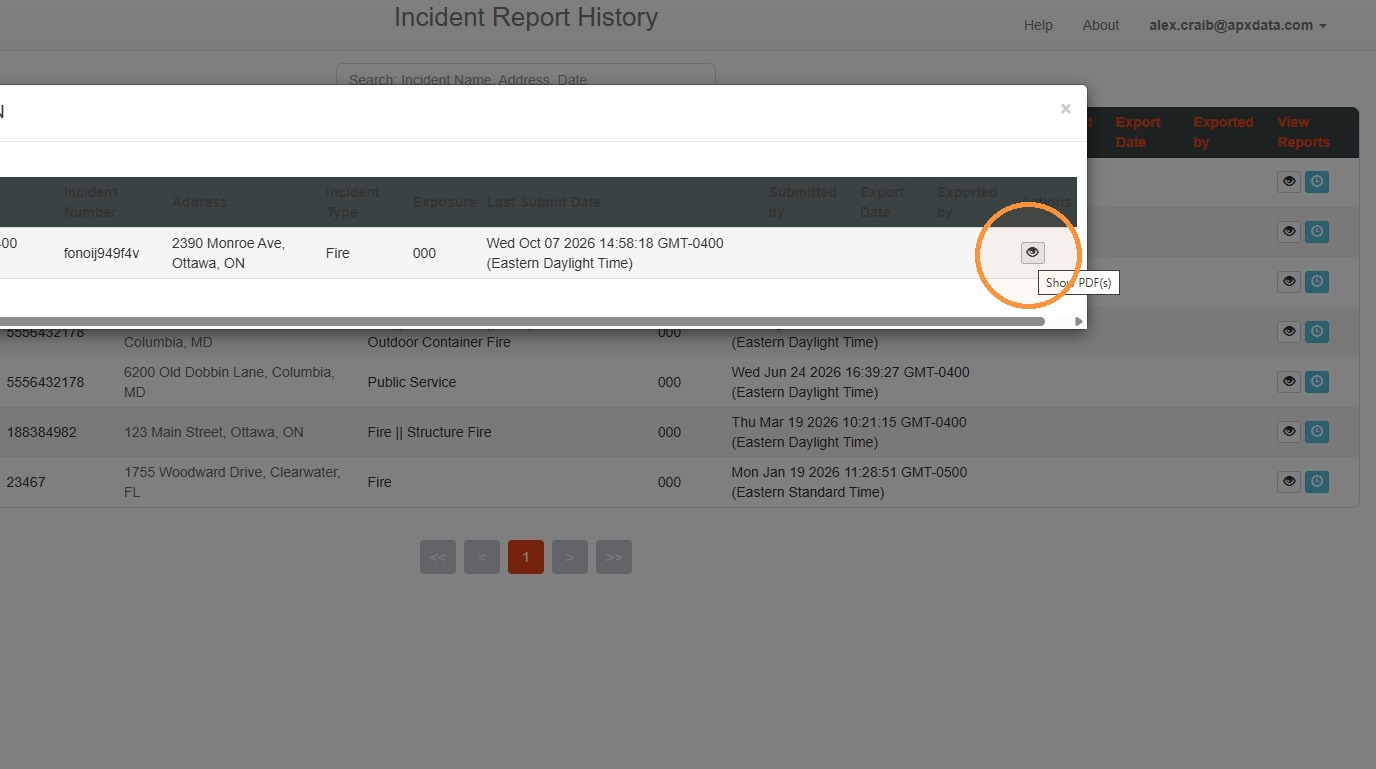
4. To view a submission history or access previously generated reports, select the Report History button.
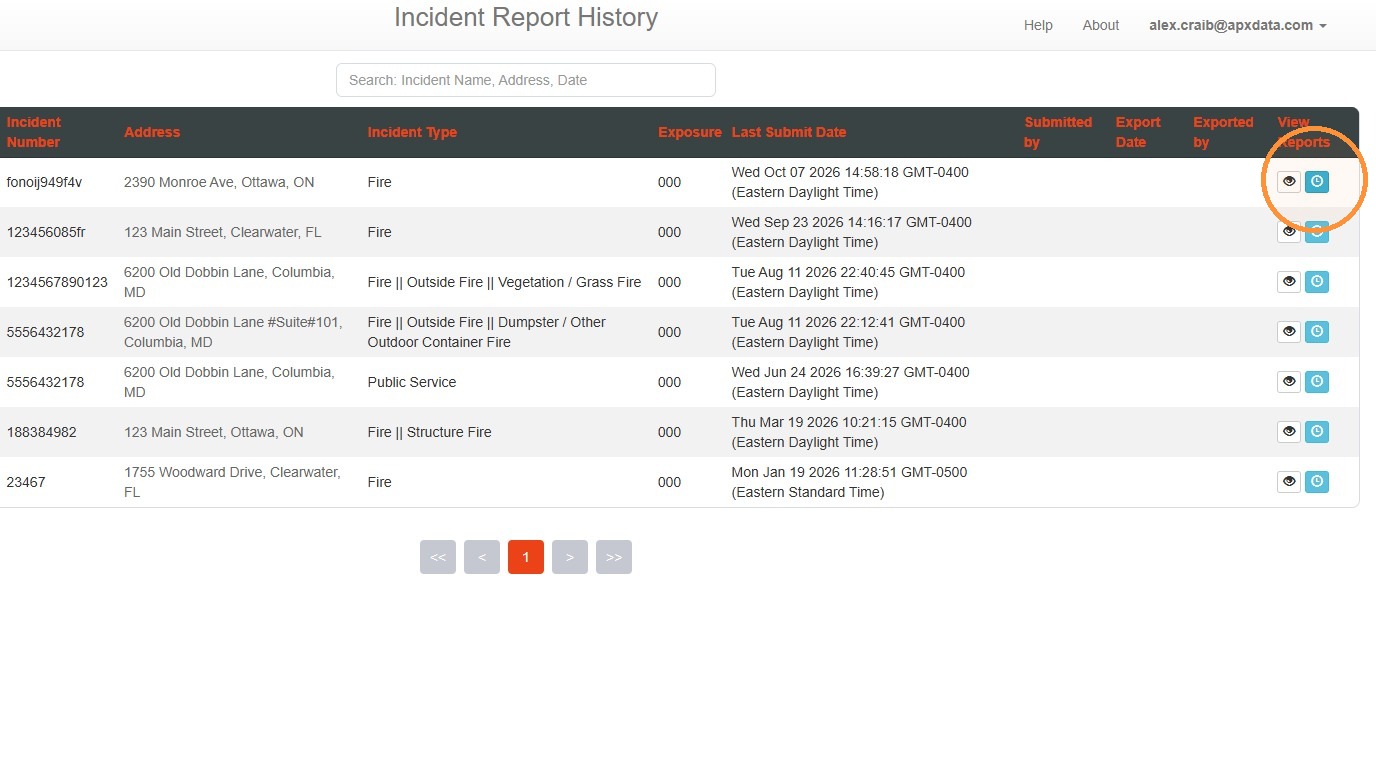
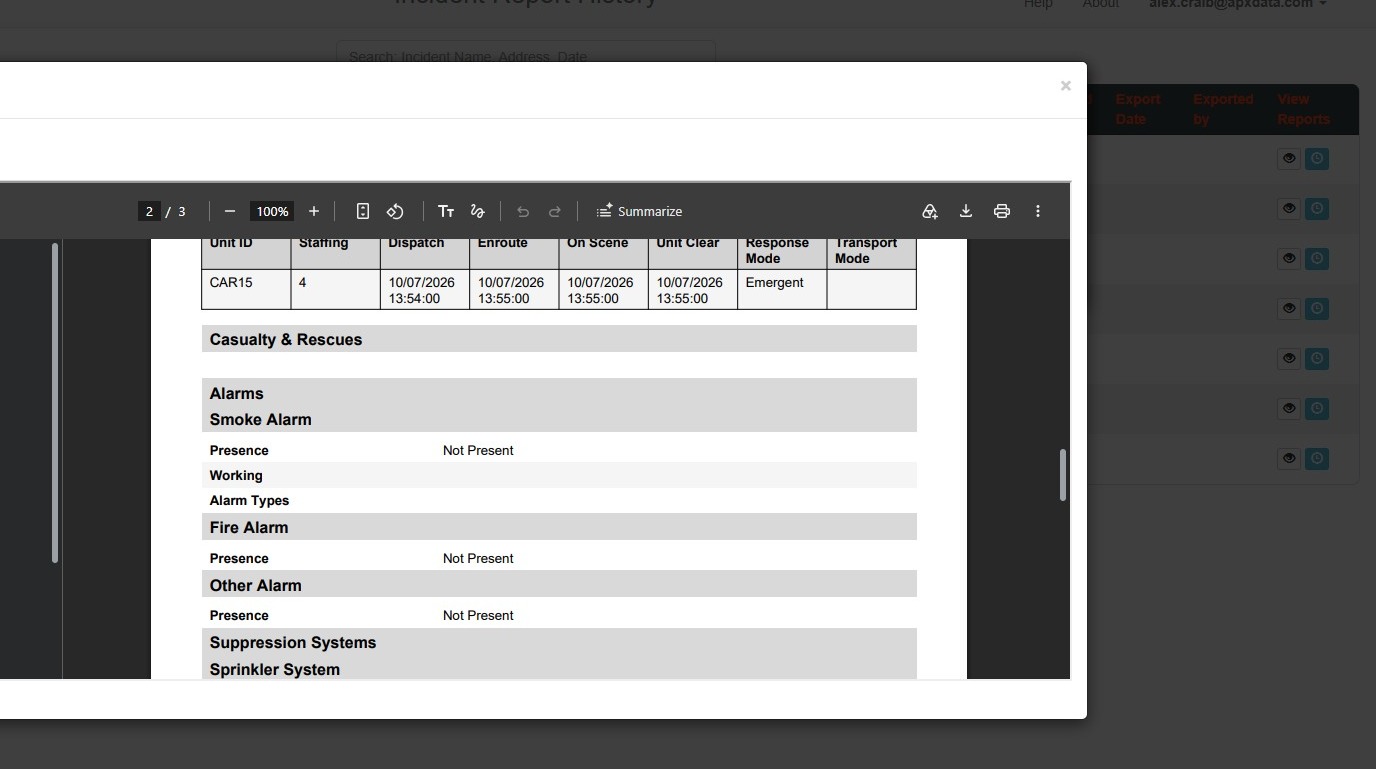
5. Select View Report to view any reports listed in the history.
Comments
0 comments
Please sign in to leave a comment.