
The following article outlines how to access the SmartMAP application using a Windows device.
- Video Tutorial
- Steps
- PDF Version
1. Video Tutorial
2. Steps
1. If necessary, launch the device's internet browser.

2. Navigate to SmartMAP at https://smartmap.cityscape-suite.com (.ca for Canadian users). If accessing via a push notification, see Step 3.
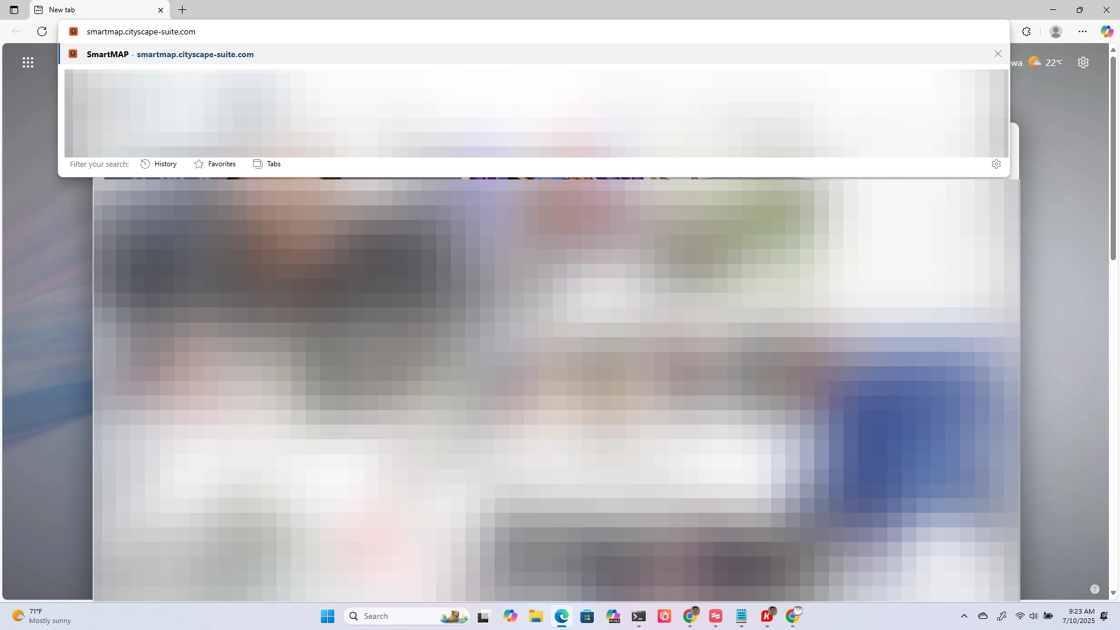
3. If push notifications are enabled, select a notification from the Notifications Centre to launch SmartMAP directly to the location of the call.

4. If necessary, select the SmartMAP security certificate

5. You will be navigated to the SmartMAP application.

Comments
0 comments
Please sign in to leave a comment.