
The following article outlines how to replace a SmartMAP certificate on iOS. SmartMAP certificates have a default expiration of 5 years for security reasons, so they will need to be periodically updated.
Note: SmartMAP needs to be updated to version 1.4 or later to complete this process.
- Video Tutorial
- Steps
- PDF Version
1. Video Tutorial
2. Steps
1. Open SmartMAP.
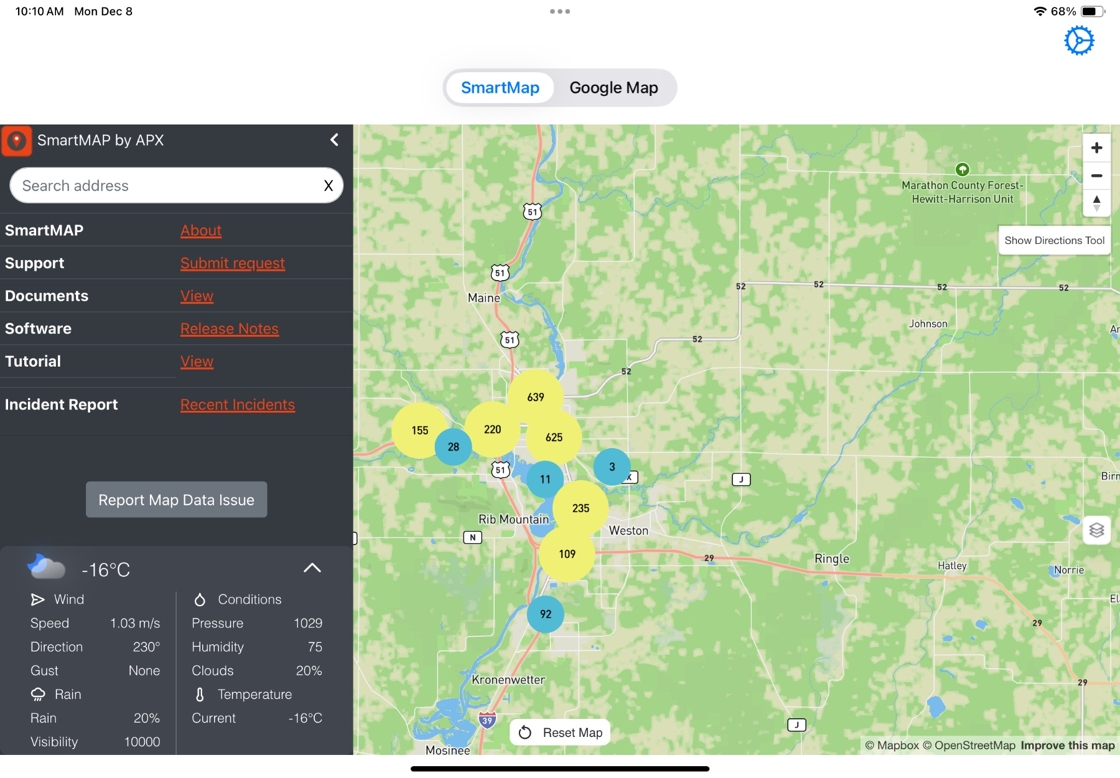
Tip: The SmartMAP iOS App will show a pop-up indicating renewal of the certificate is required if it is set to expire in 90 or fewer days.
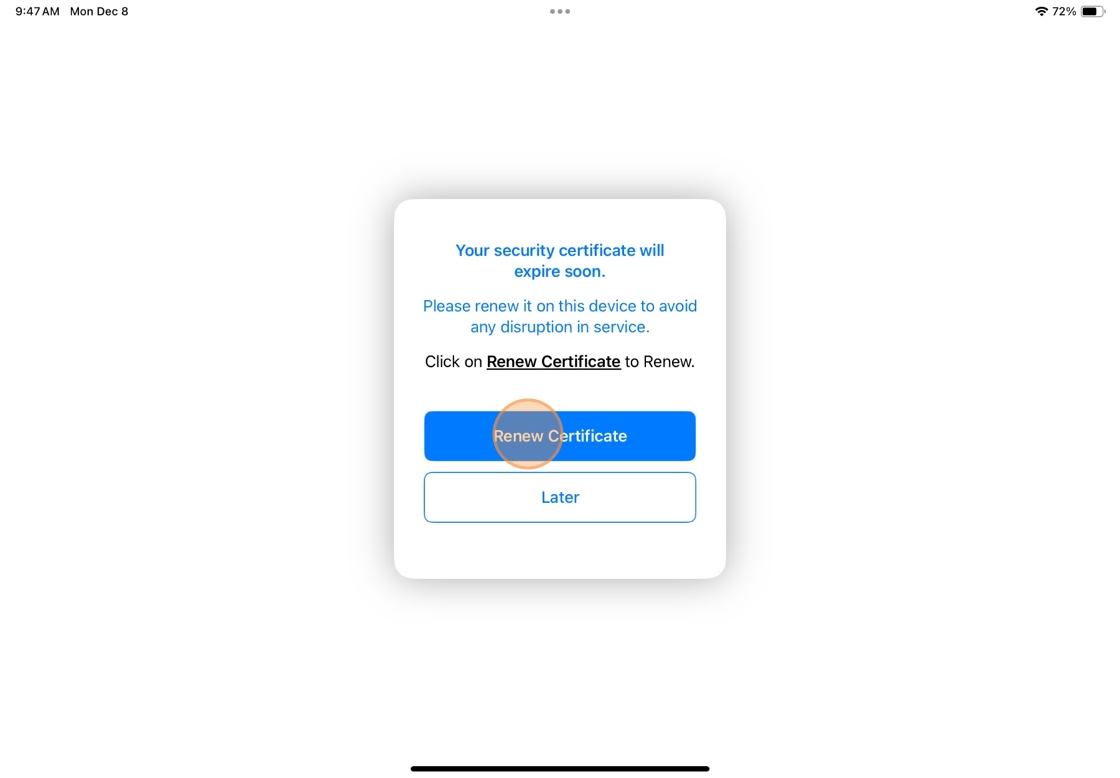
2. In the pop-up that appears, select Renew Certificate. You'll be navigated to the Settings login page.
3. Select Login to Generate/Renew Certificate.

4. Login using proper Admin Credentials.

5. Select Manage my Certificates.

Alert: The certificate must be renewed first from CityScape Web Admin by an Admin user before it can be renewed on the iOS device.
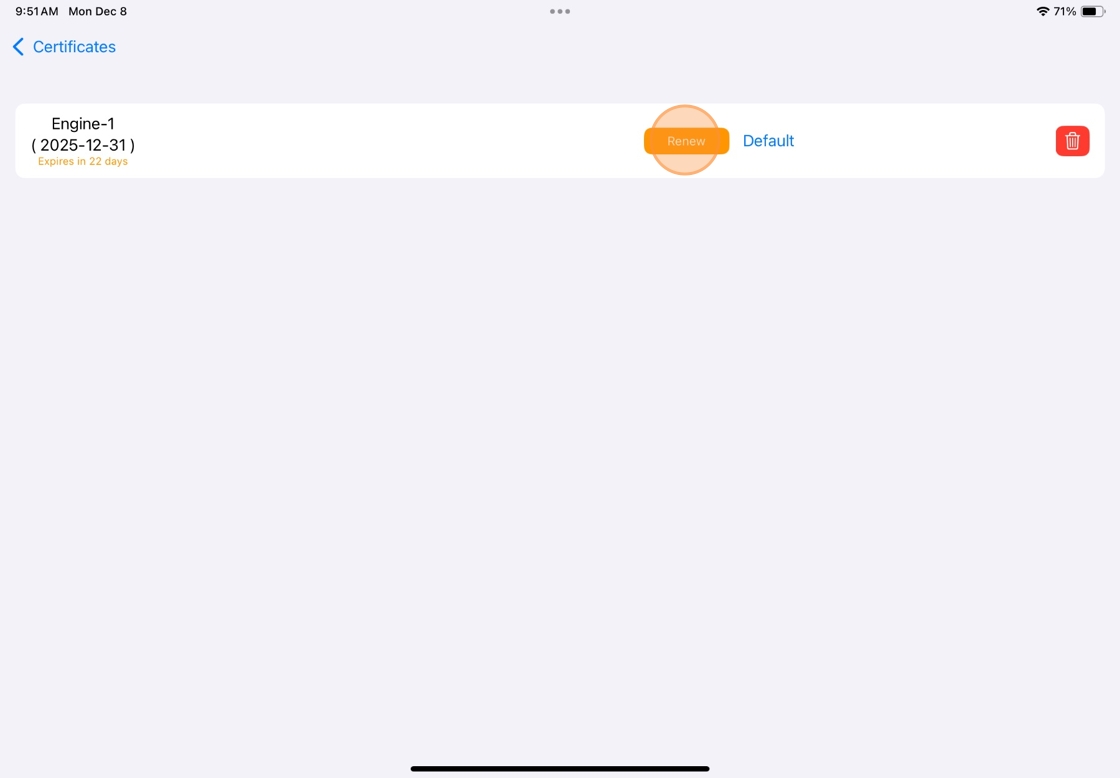
6. Select Renew to renew the installed certificate
7. Return to SmartMAP.

Comments
0 comments
Please sign in to leave a comment.