
The following article details how to identify and delete a duplicate occupancy in APX.
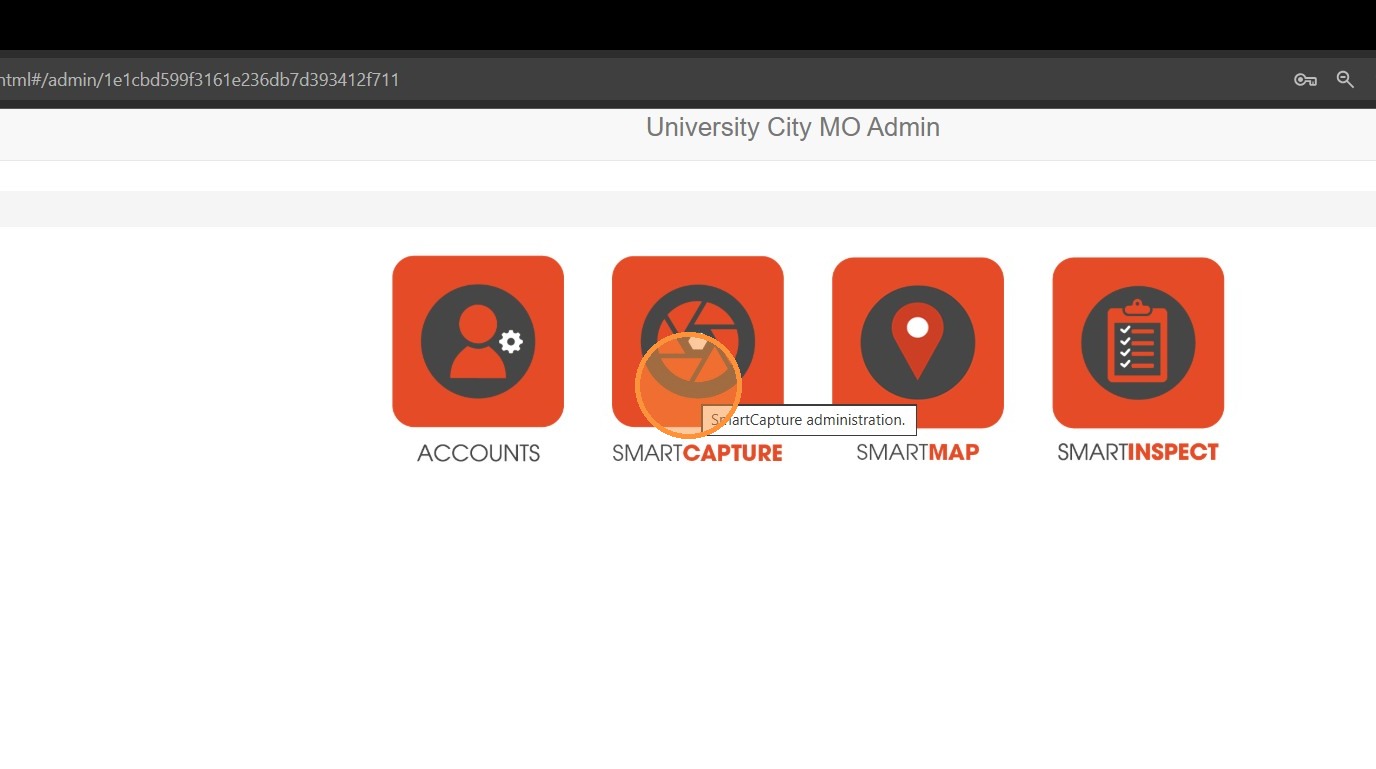
1. Select the SmartCapture tab.
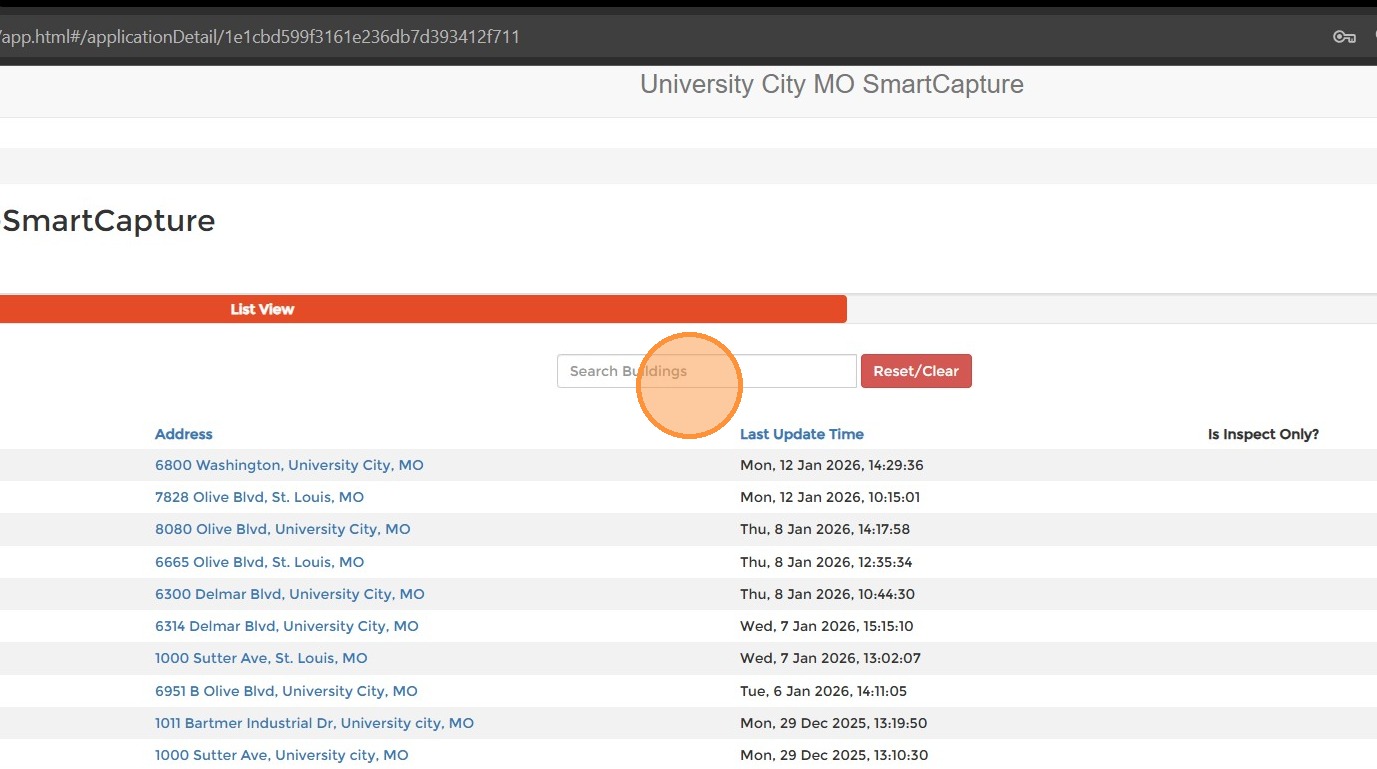
2. Search for the duplicate address.

3. To confirm which address should be removed, select the History tab to see a changelist of activity at each address. It is usually the address with fewer changes, but you can click in to the changes to confirm.

4. For the duplicate needing removal, select Delete. A confirmation will appear. Select Delete again.
Comments
0 comments
Please sign in to leave a comment.