
The following article outlines how to view property record history through the SmartCapture Web app.
- Video Tutorial
- Steps
- PDF Version
1. Video Tutorial
2. Steps
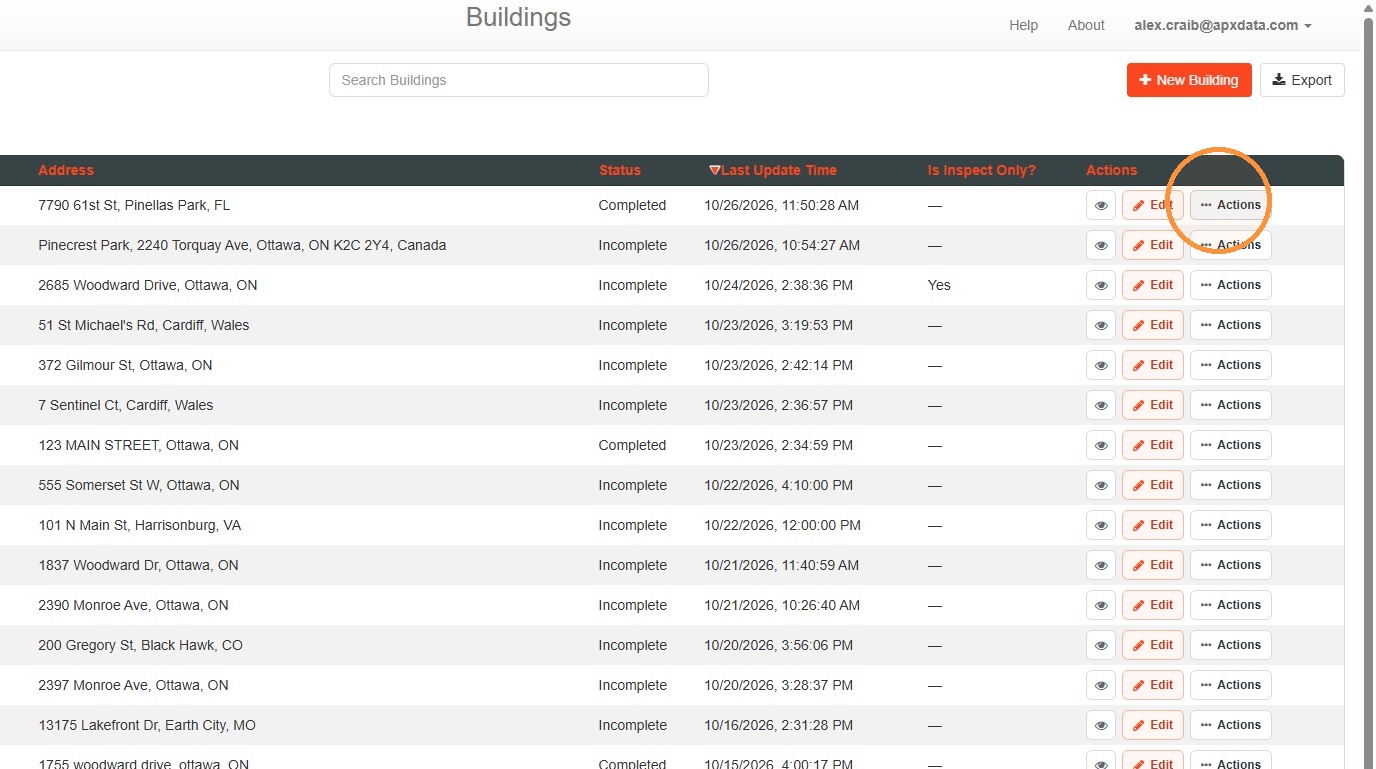
1. Select Actions.
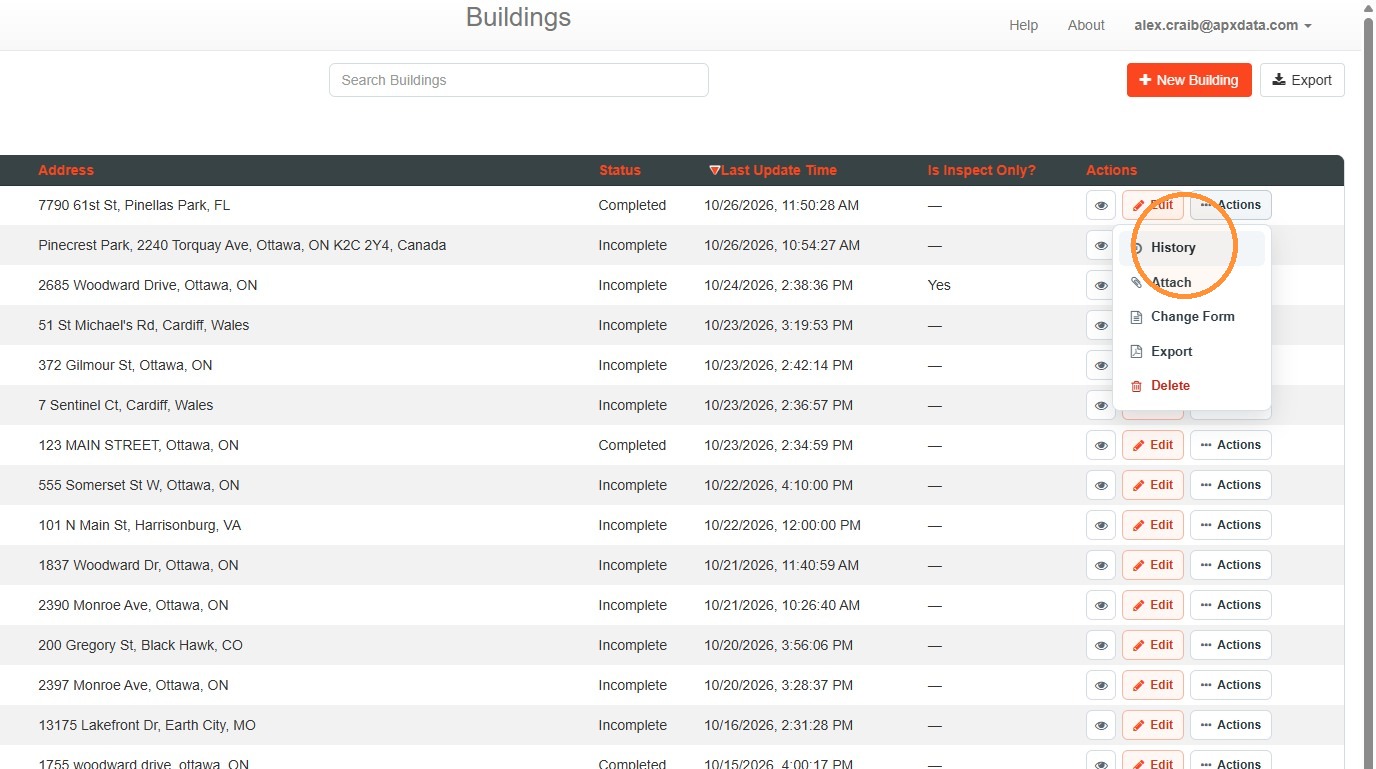
2. Select History
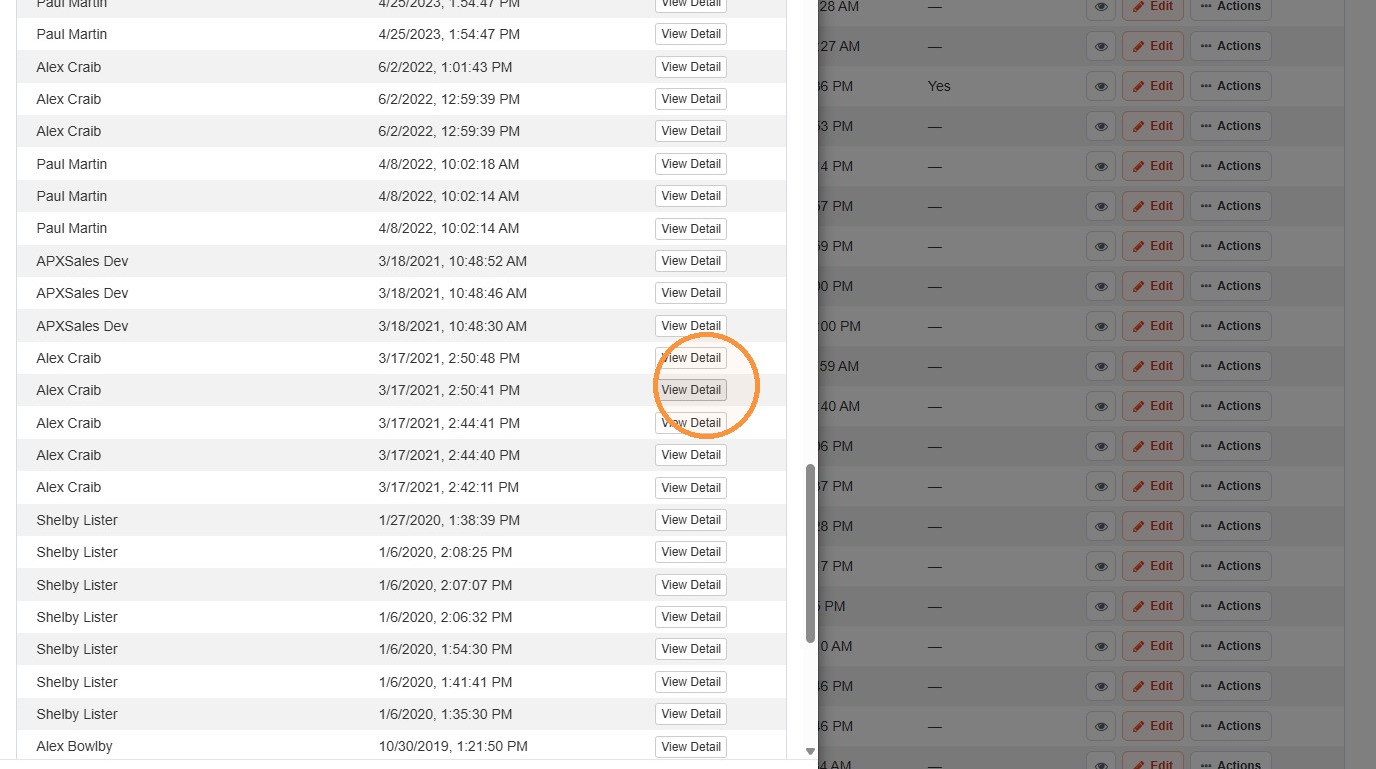
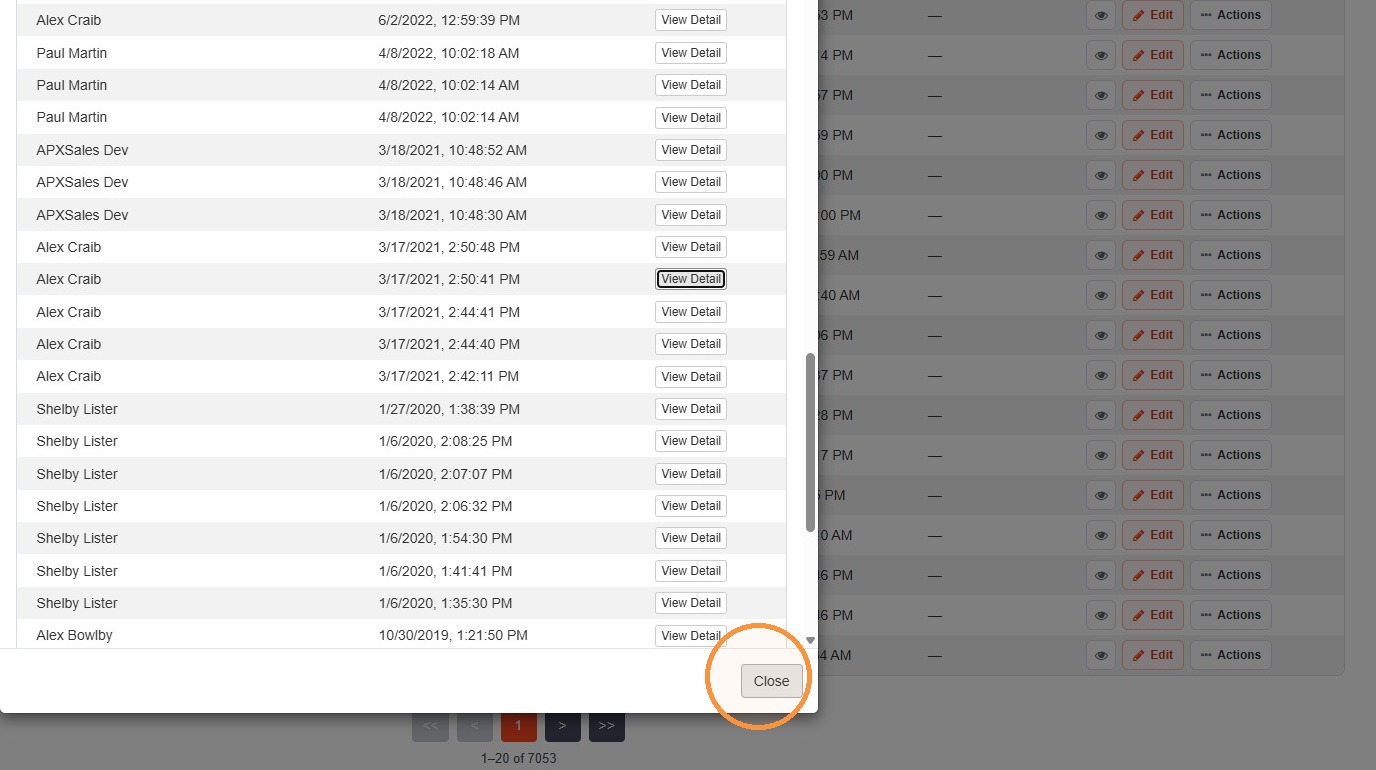
A window will appear with a history of changes for that record.
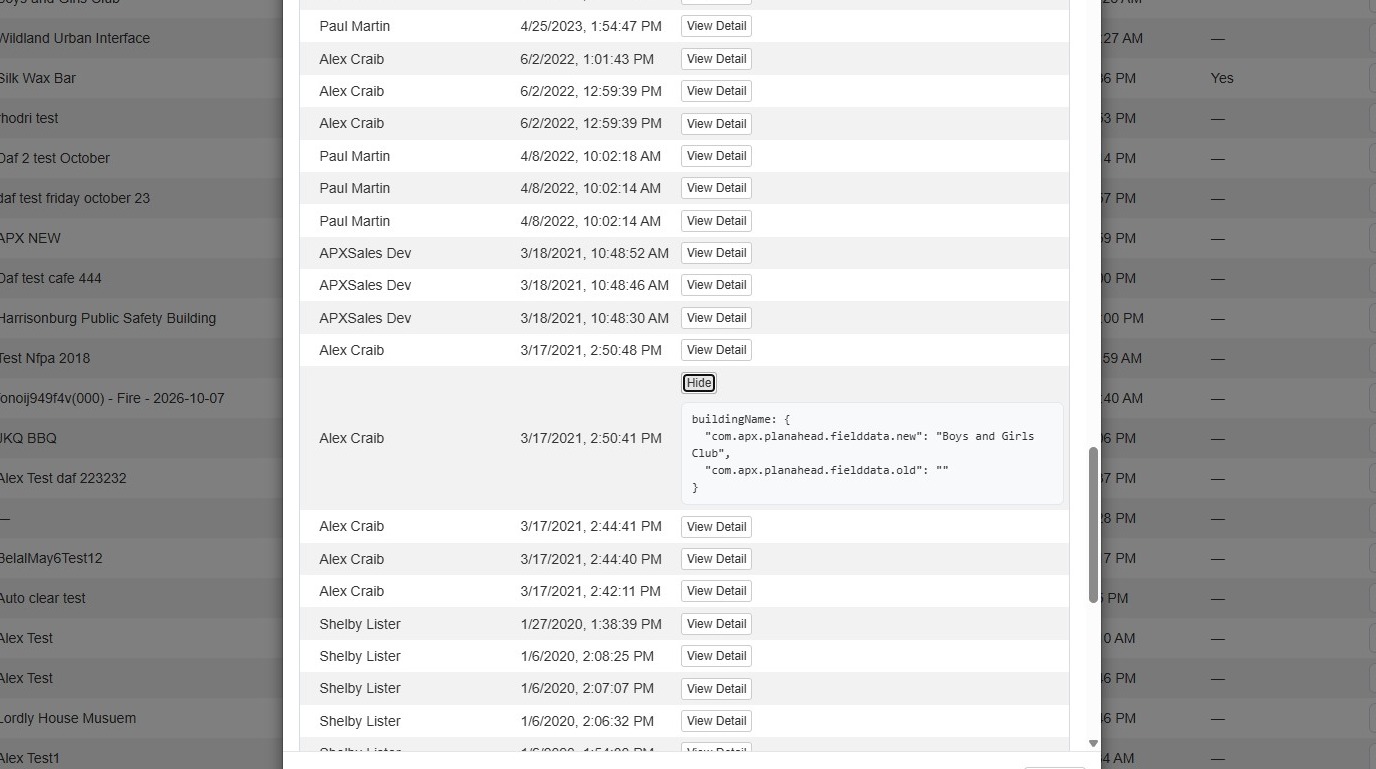
3. To view the details for an entry, select View Detail.
To close the details, select Hide.
4. Select Close to close the window.
Comments
0 comments
Please sign in to leave a comment.