
The following article outlines how to login to the SmartCapture iOS app version 3.16.7 or newer.
- Video Tutorial
- Steps
- PDF Version
1. Video Tutorial
2. Steps
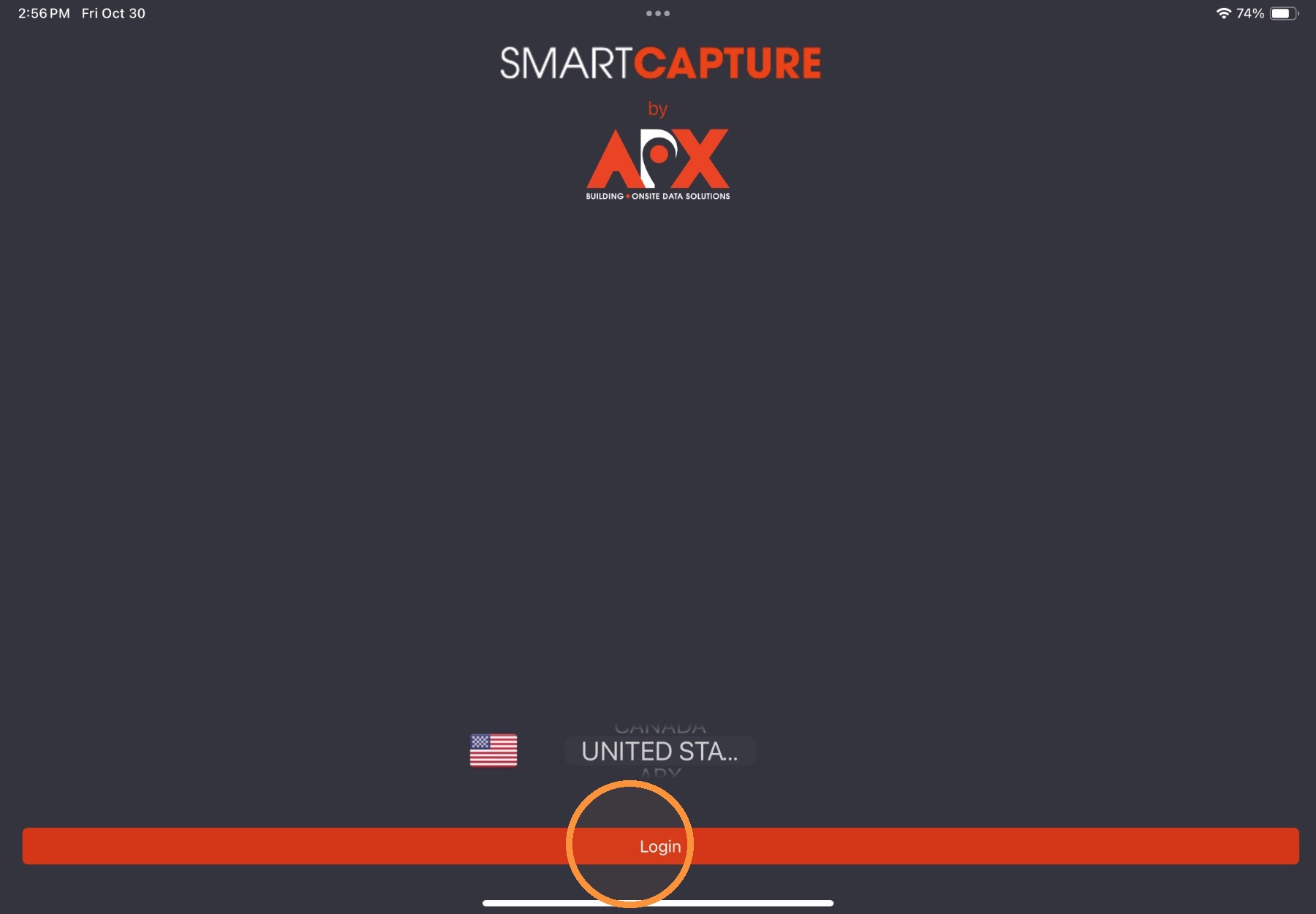
1. From the login screen, select a region and then select Login.
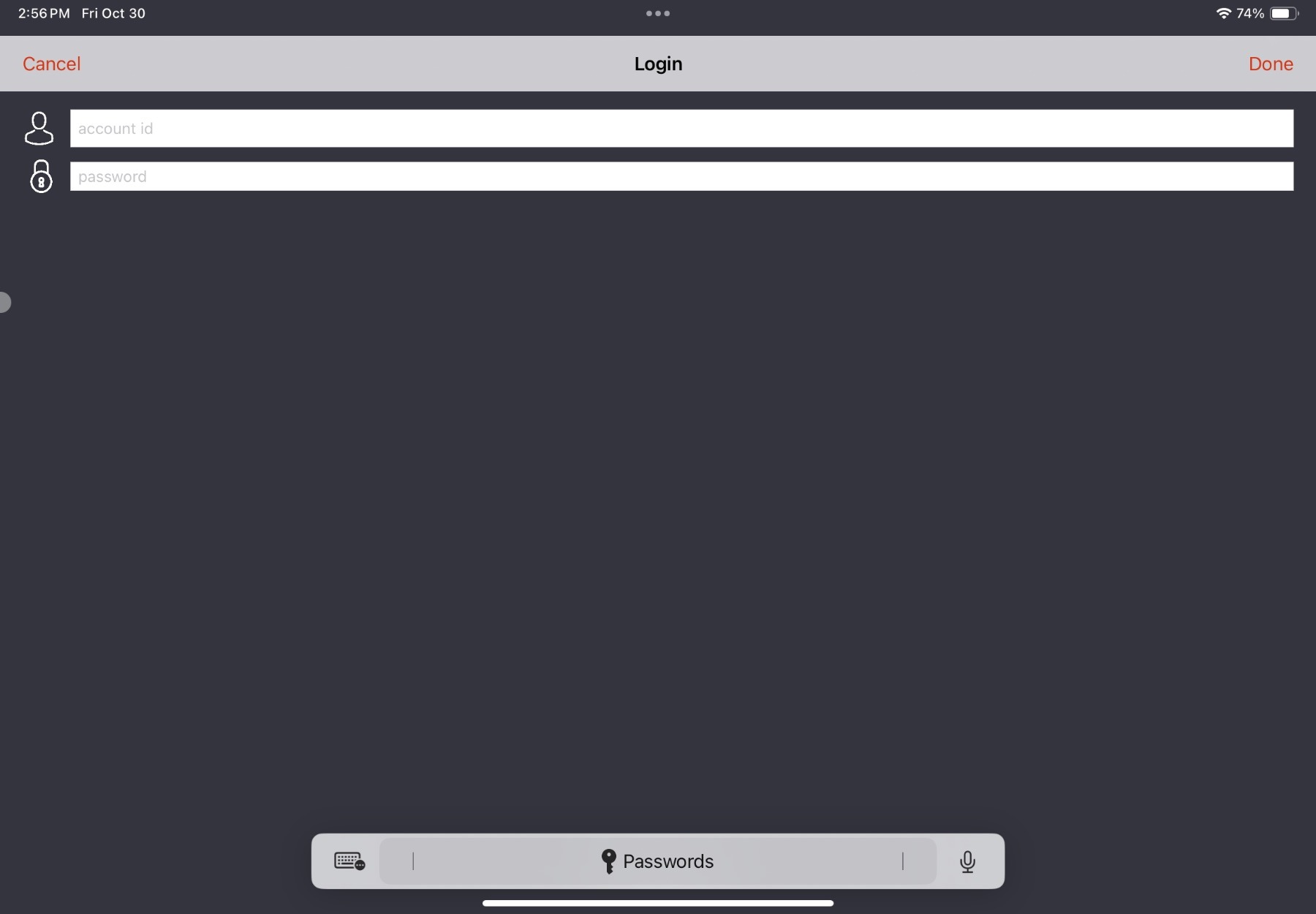
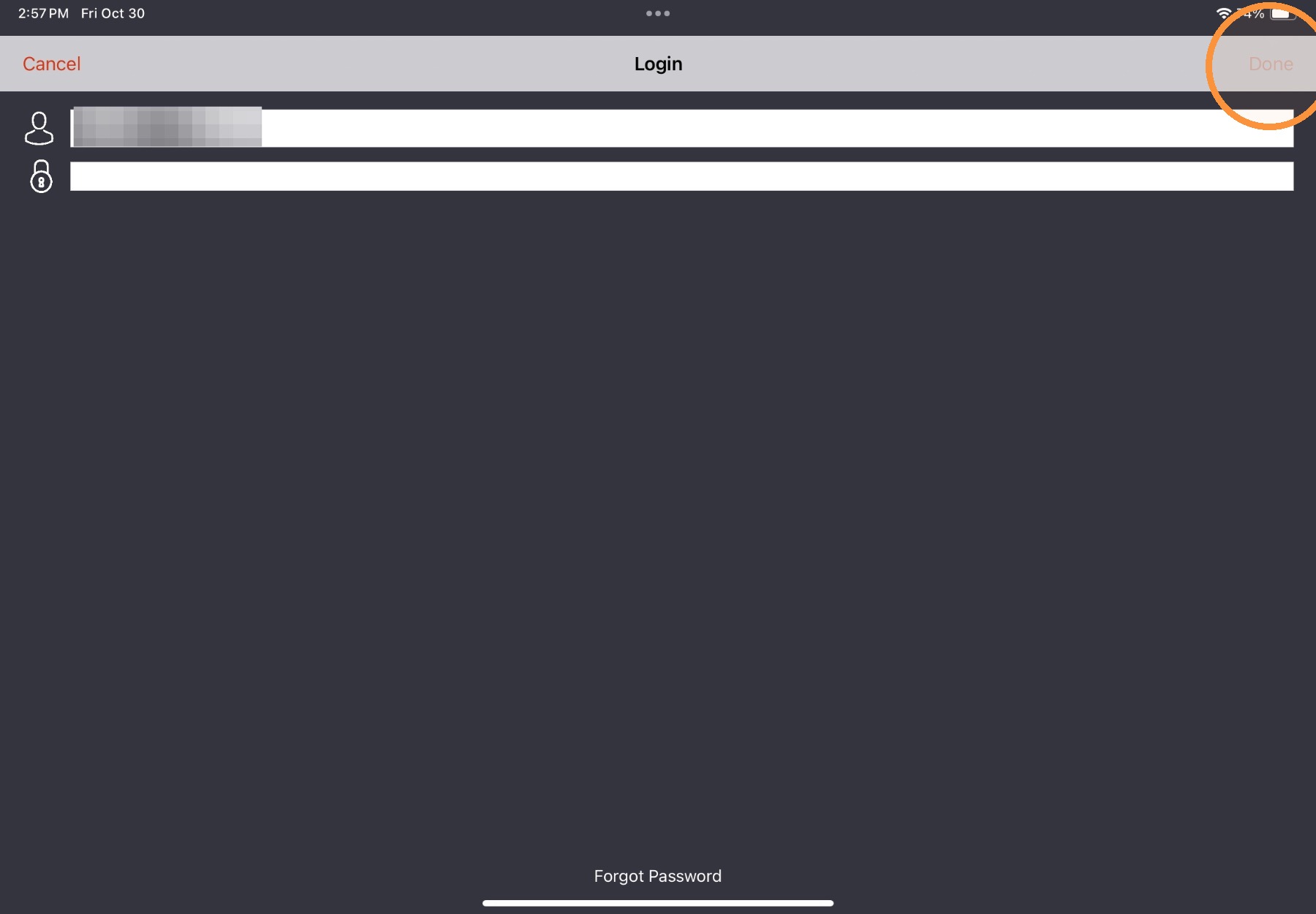
2. Enter login credentials and then select Done.
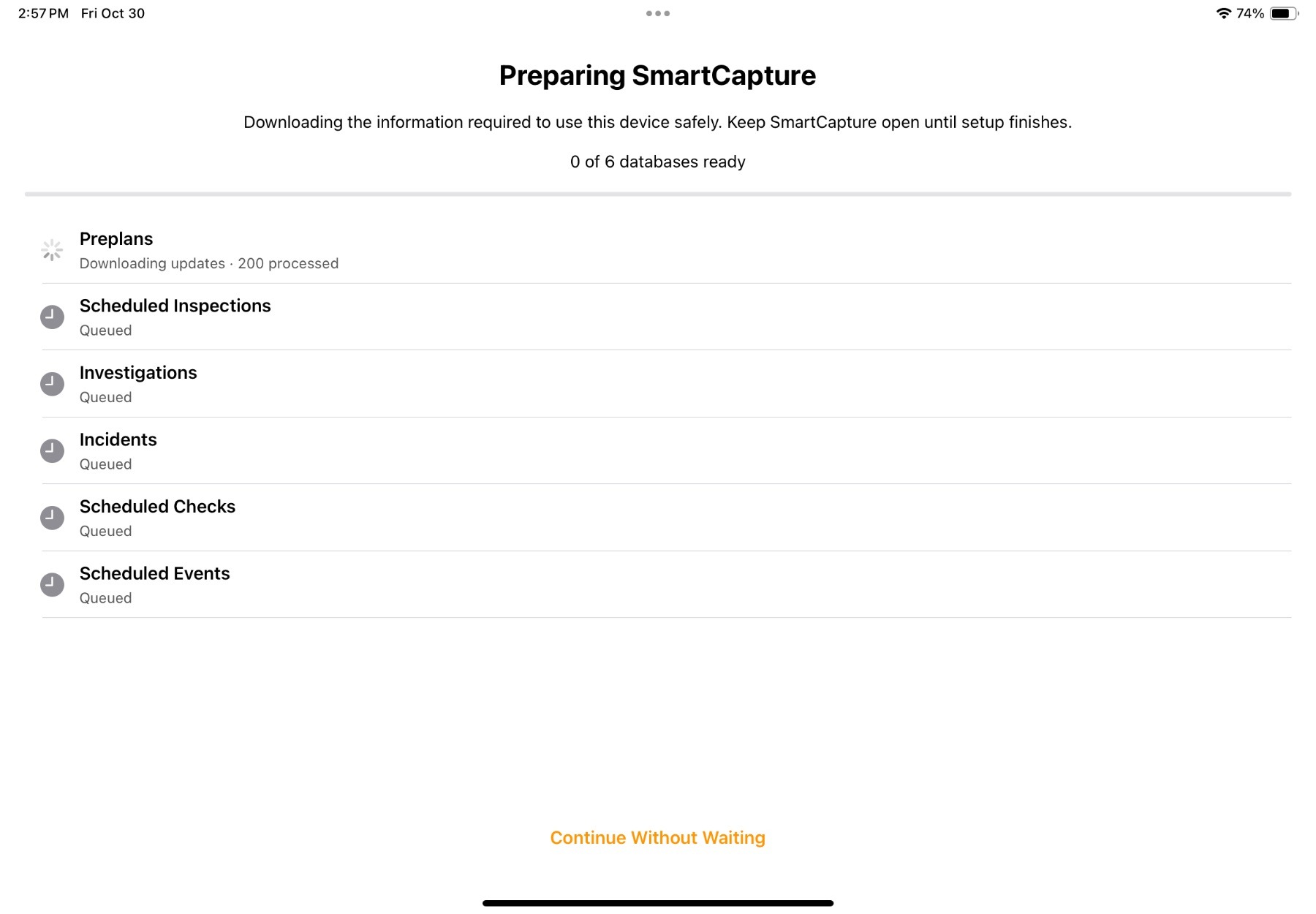
The user will be logged in and brought to the Sync menu. Once all information is synced, the app will be directed to the Home view of the app.
Comments
0 comments
Please sign in to leave a comment.